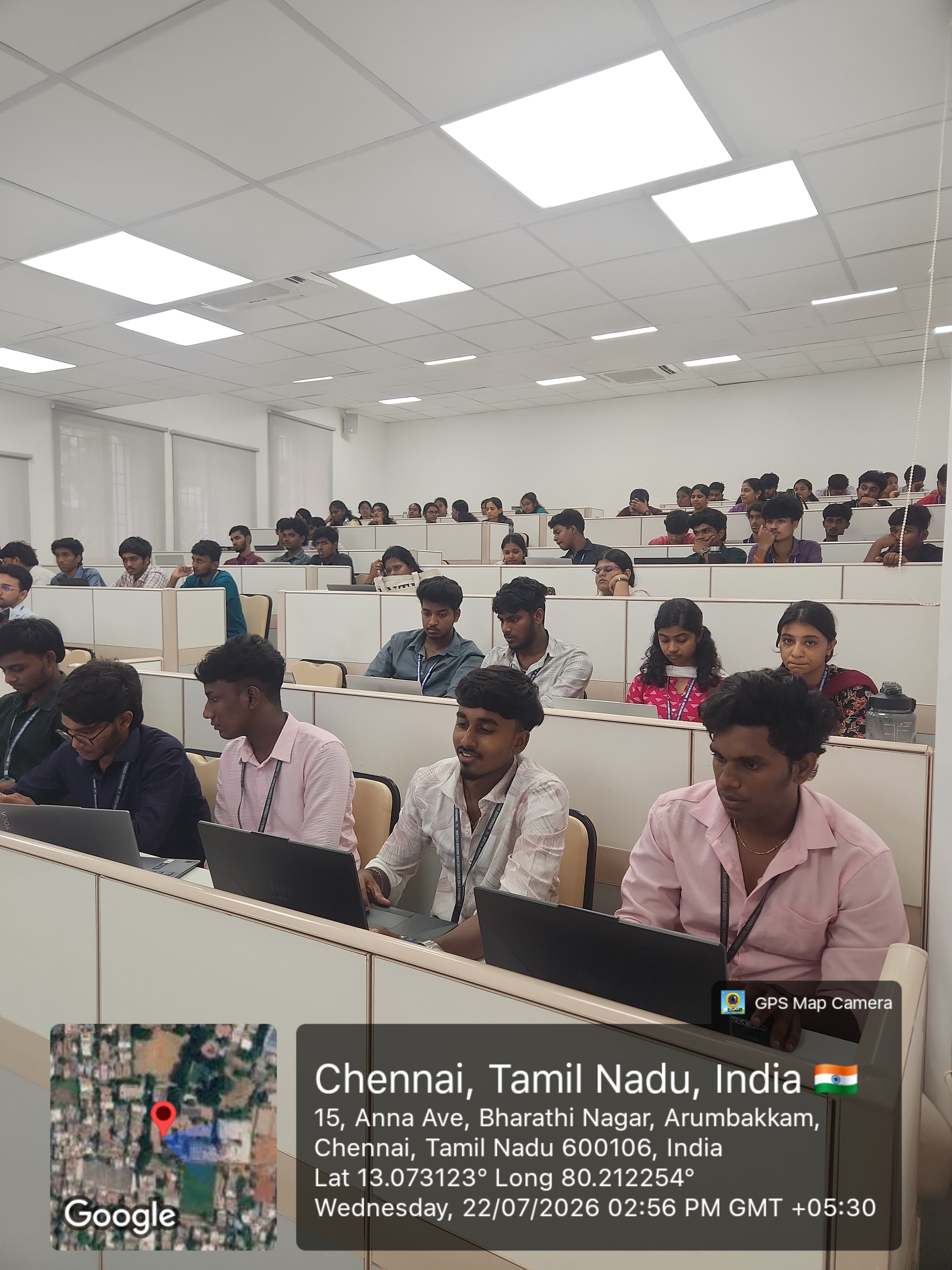
Professional Communication
Email 101: Mastering Professional Email Communication
- Dates
- 21–23 July 2026
- Time
- 2:00 – 3:30 PM
- Venue
- Seminar Hall, Main Block — DG Vaishnav College
- Participants
- 62 Students
- Resource Person
- Laksh A
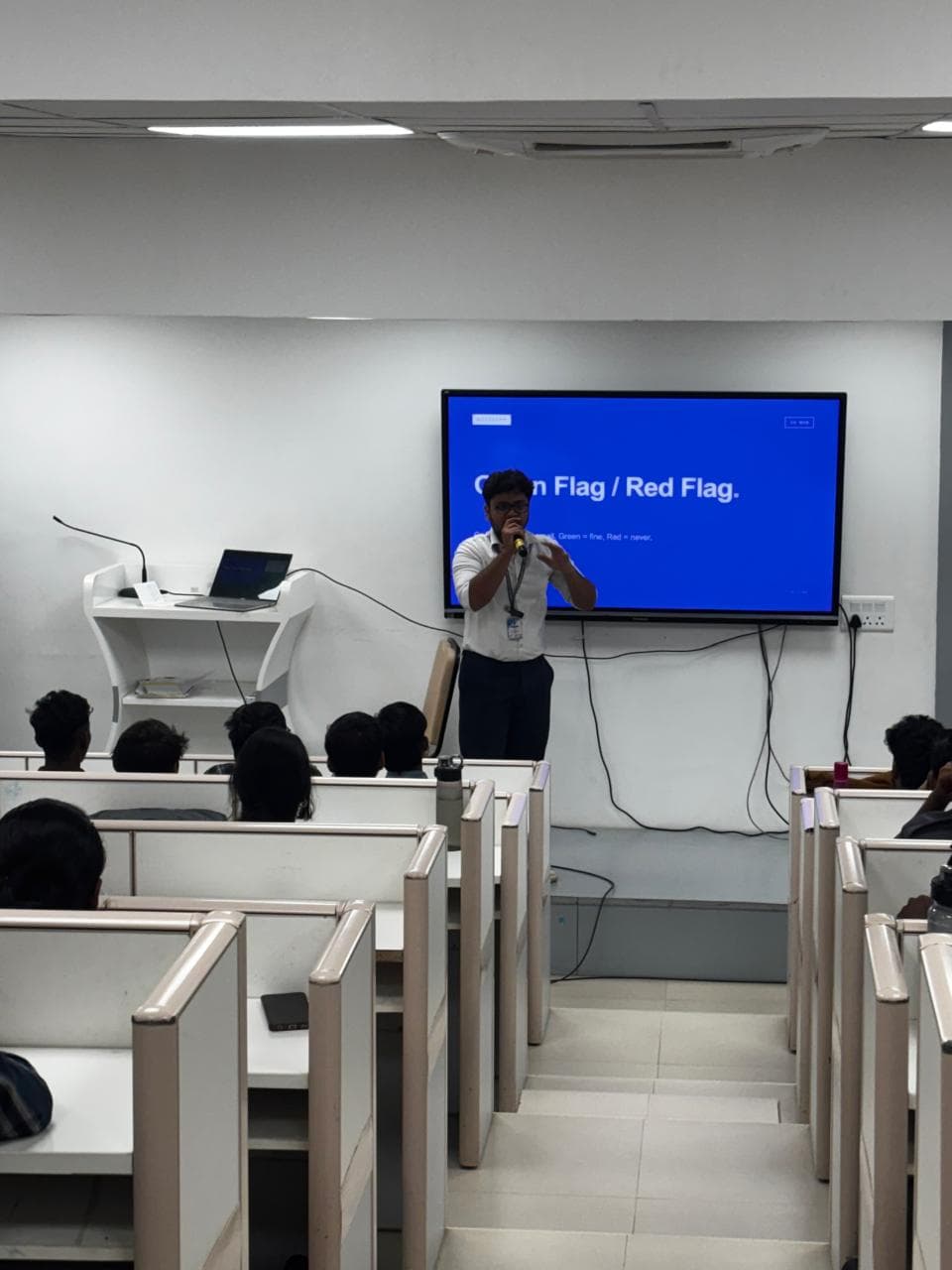
I designed and facilitated a three-day, inter-departmental workshop open to students across all three years, built around a gap I kept noticing: nobody actually teaches you how to use email professionally before you're expected to use it every day at work. Rather than a lecture, the whole program was hands-on — students worked in small groups, and every concept was followed immediately by an activity or a live account setup.
Day 1
Sound Professional
- ›Structuring an email with BLUF (Bottom Line Up Front)
- ›Writing subject lines that actually get opened
- ›The real difference between To, CC & BCC — and the Reply-All trap
- ›Drafting a real email and reviewing each other's work in pairs
Day 2
Make Your Inbox Work
- ›Configuring Gmail live: signatures, labels & filters
- ›The Inbox Zero framework for triaging incoming mail
- ›Time-savers: templates, scheduled send, snooze & Undo Send
- ›Setting up vacation replies
Day 3
Private, Secure & Automated
- ›Gmail Confidential Mode for sensitive information
- ›Enabling 2-Step Verification & spotting phishing emails
- ›Capstone: building an AI email agent with n8n + Gemini
- ›A 3-node flow — Gmail Trigger → Gemini AI → Gmail Send — built live
The Outcome
By the end of the three days, every student walked away with a genuinely practical skillset most people don't pick up until years into their career:
- A working email signature
- An active inbox filter
- Two-factor security turned on
- A functioning AI email agent they built themselves